 TradeBB
Robinhood shows you today. A journal shows you the pattern.
The app tells you what your account is worth right now. It doesn't tell you that the trades you take on Monday mornings have lost money all year.
Connect your Robinhood account to TradeBB, or upload your history, and the pattern becomes visible.
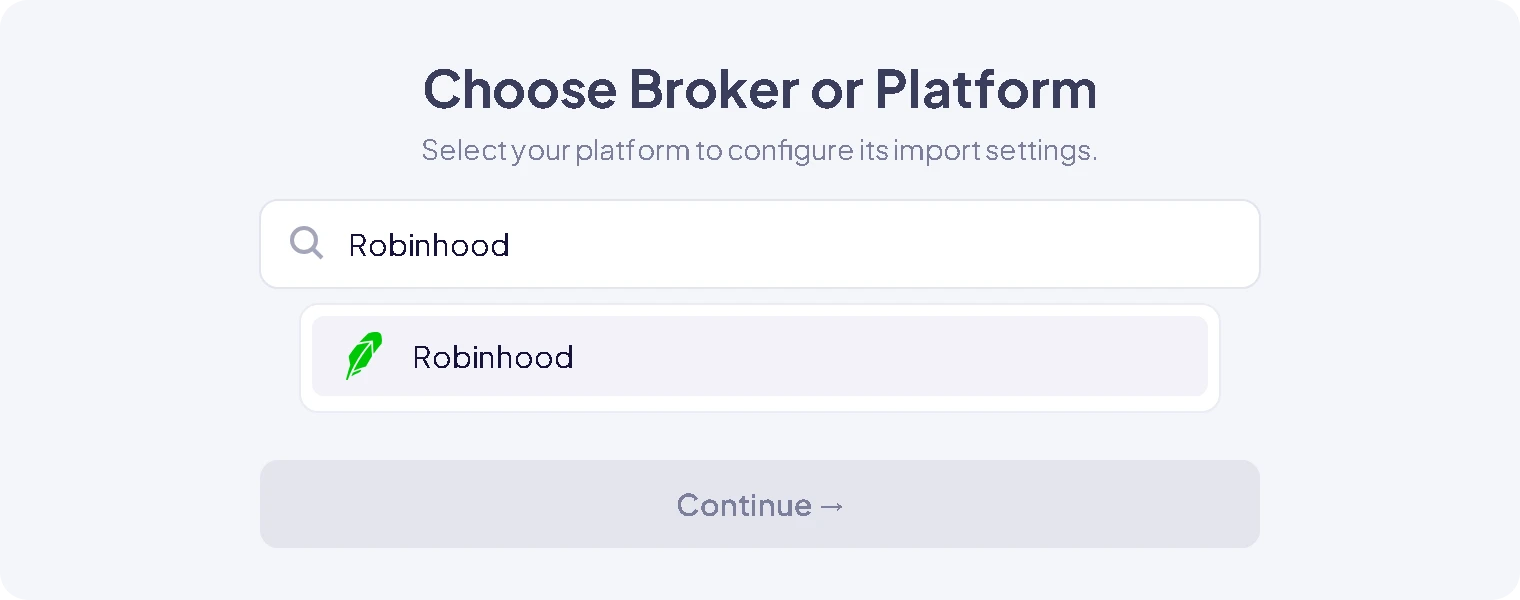
Link Robinhood, or request a report
There are two ways in.
Connect your account. Pick Robinhood under Import Trades in TradeBB and connect. It's read-only, and there's no report to request.
Upload a report. Robinhood generates reports on request — you ask for one, then come back for it.
- Open the Robinhood app and tap Account (the person icon)
- Tap Reports and statements
- Under Account activity reports, tap Reports
- Tap Generate new report
- Choose your date range and the transaction types to include — for a journal, you want orders
- Wait. Reports are usually ready in a few minutes, but can take up to 24 hours at busy times
- Download it, or use the share option to email it to yourself
- Upload the CSV to TradeBB under Import Trades
Two things worth knowing:
- It's not instant. Unlike brokers that export on the spot, Robinhood queues the report. Request it, then come back.
- Pick your transaction types deliberately. The report can include crypto transfers, staking and other activity that isn't trading. Including everything is fine — TradeBB reads what's relevant — but a narrower report is easier to check.
TradeBB can parse any trade history file, so if you already have an export in another format, upload that instead.
The pattern behind your Robinhood trades
- Which symbols actually make you money, ranked — not just the ones you remember
- Win rate, average win versus average loss, and how long you hold winners versus losers
- A calendar of your results, day by day
- Notes on any trade, so you can record why you took it
- Tags for the habits worth watching — chasing an entry, adding after a loss, selling too early
Most people's first useful discovery is the same: the position they trade most often is not the one earning the money.
If you trade options on Robinhood
Options come through with contract multipliers applied, so premium is counted at contract size rather than per share. Tag the structure you traded and the Strategies report will show how each one performs.
See the options trading journal page for more.
FAQ
Frequently asked questions
How long does the Robinhood report take?
Usually a few minutes, sometimes up to 24 hours at peak times. Request it and come back.
Which transaction types should I include?
Orders are what a journal needs. Including more is fine — TradeBB reads what's relevant.
Can I connect Robinhood instead of uploading?
Yes. Choose Robinhood under Import Trades and connect your account; TradeBB syncs your trades in read-only mode. Uploading an activity report works too.
Does TradeBB cover Robinhood crypto?
Your report can include crypto activity. Upload it and TradeBB will read what it can.
Can TradeBB place trades on my Robinhood account?
No. A connected account is read-only: TradeBB reads your trades and can't place any. If you'd rather not connect at all, upload a report you exported yourself.