
Stock Trading Journal for Smarter Trade Review
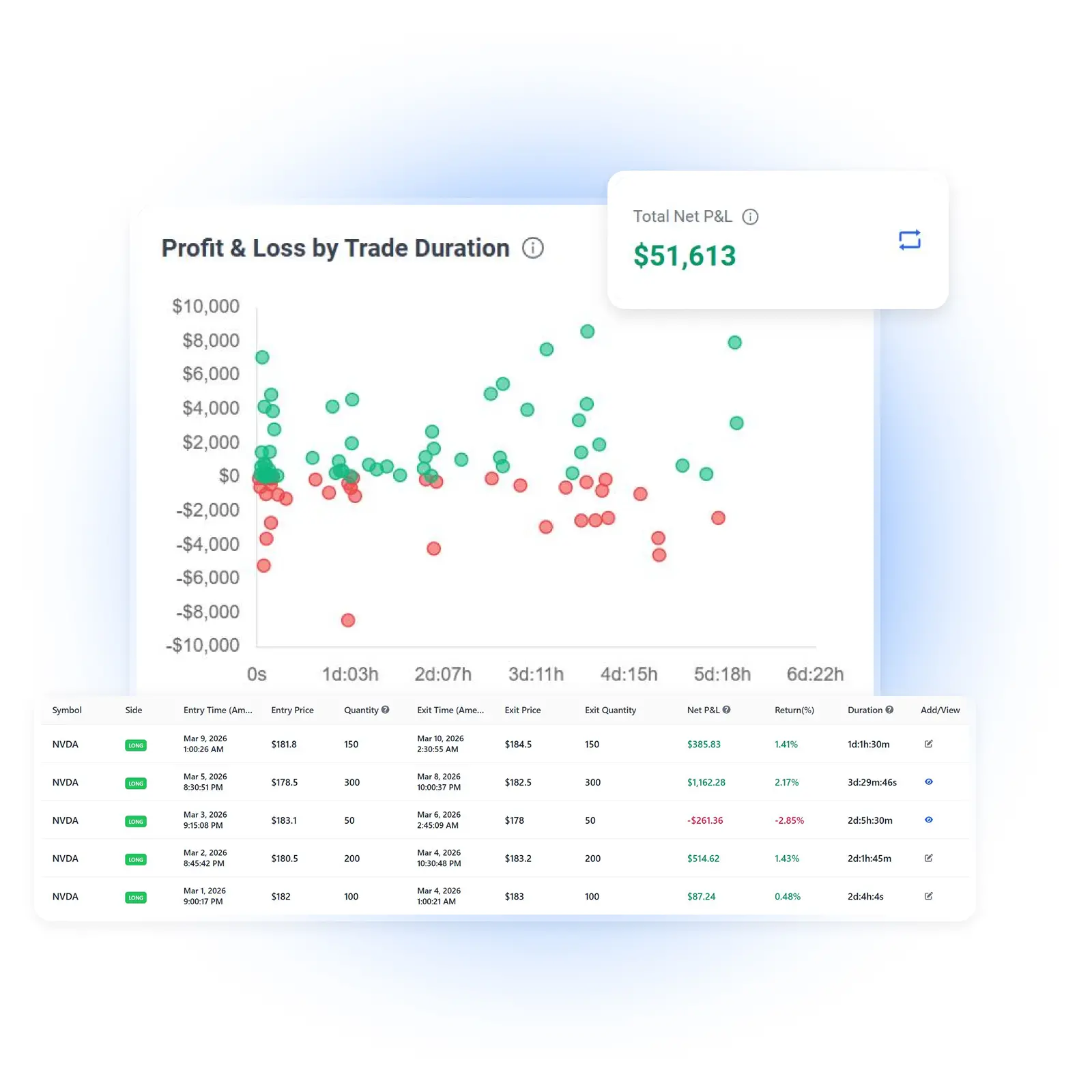
Import Stock Trades from Your Broker
Move beyond manually entering every transaction. TradeBB helps you bring your stock trading history into one organized journal through broker sync, file import, or manual entry.
Import trades from popular brokers and platforms, including:
- Interactive Brokers
- Charles Schwab
- Fidelity
- E*TRADE
- TradeStation
- ThinkorSwim
- Robinhood
- Webull
- Alpaca
- Questrade
These are just a few of the brokers supported by TradeBB. Available import methods vary by broker. Connect supported accounts in read-only mode or upload your broker trade history file.
Your Broker Shows Transactions. A Stock Trading Journal Shows Patterns.
Broker statements can tell you what you bought and sold, but they rarely explain why some trades worked and others did not.
TradeBB turns your stock trading history into a structured review process. Instead of looking only at total profit and loss, you can compare performance across tickers, setups, trading behavior, time periods, and broker accounts.
Find Your Best and Worst Symbols
See which stock symbols contribute most to your results and which tickers repeatedly underperform.
Compare Stock Trading Setups
Organize trades by strategies such as breakouts, pullbacks, momentum trades, reversals, or swing setups, then compare their performance over time.
Identify Costly Trading Habits
Use custom tags to track FOMO, overtrading, poor entries, early exits, revenge trading, or any behavior that affects your results.
Review Multiple Accounts Together
Bring trading activity from different supported brokers into one journal and compare results by account.
Analyze Stock Trading Performance from Every Angle
A useful stock trading journal should help you understand more than whether you made or lost money. TradeBB organizes your trades into reports that reveal where your results are coming from.
Overview Report
Review your overall trading performance, including net P&L, win rate, profit factor, trade expectancy, holding time, and trading costs.
Symbol Report
Compare results across individual stock symbols. Identify which tickers fit your trading style and which ones may be hurting your performance.
Strategy Report
Measure the performance of your stock trading strategies and setups. See which approaches produce more consistent results and which need further review.
Tag Report
Analyze the impact of mistakes, emotions, market conditions, and execution behavior using your own custom tags.
Trading Calendar
Review trading activity by day, week, or month. Spot patterns in profitability, trade frequency, and consistency across different periods.
Broker Account Report
Compare profitability, win rate, trading activity, and performance across multiple brokerage accounts.
Build a Repeatable Stock Trade Review Process
TradeBB gives you a clear workflow for turning completed stock trades into useful lessons.
1. Import Your Stock Trades
Choose your broker and sync your account where available, upload a supported trade history file, or add trades manually.
2. Organize Trades by Setup and Behavior
Assign strategies and custom tags to record the setup, market conditions, execution quality, mistakes, and emotions behind each trade.
3. Add Notes and Screenshots
Document your original trade idea, entry reasoning, exit decision, lessons learned, and chart screenshots while the context is still clear.
4. Review Your Results
Use dashboards, reports, filters, and the trading calendar to compare performance and identify recurring strengths and weaknesses.
Built for the Way Stock Traders Actually Trade
Whether you place several trades a day or hold positions for several weeks, TradeBB helps you create a review process around your own trading style.
Day Traders
Review frequent stock trades, daily profitability, trade count, holding time, execution patterns, and behaviors such as overtrading or chasing entries.
Swing Traders
Track multi-day positions, compare swing setups, review entry and exit decisions, and analyze performance across symbols and strategies.
Multi-Account Traders
Organize trades from different brokerage accounts and compare results without maintaining separate spreadsheets for every broker.
What Should a Stock Trading Journal Track?
A stock trading journal should record both the trade itself and the decisions behind it. Useful information includes:
Trade Details
Symbol, trade date and time, direction, position size, entry price, exit price, commissions, fees, and realized P&L.
Strategy and Setup
The strategy or setup that led to the trade, such as a breakout, momentum move, pullback, reversal, or swing trade.
Trade Management
How the position was entered, managed, scaled, and exited, including whether the original plan was followed.
Notes and Screenshots
The reasoning behind the trade, relevant chart screenshots, observations, and lessons to review later.
Mistakes and Emotions
Behaviors such as FOMO, hesitation, overtrading, revenge trading, poor discipline, or exiting too early.
Performance Results
Win rate, profit factor, expectancy, average win and loss, holding time, trading costs, and performance by symbol, strategy, tag, and account.
TradeBB brings these details together so you can review your stock trading process without rebuilding reports manually.
Learn how to keep a stock trading journal and build a consistent daily and weekly review routine.
Stock Trading Journal Software vs a Spreadsheet
A spreadsheet can be a useful starting point when you have only a few trades to record. As your trading history grows, however, manual data entry and formulas become harder to maintain.
With TradeBB, you can:
- Import trades instead of entering every execution manually
- Generate reports without building spreadsheet formulas
- Review performance by symbol, strategy, tag, and account
- See trading activity in a calendar view
- Keep trade notes and screenshots connected to your trades
- Apply filters across your trading history
- Manage multiple broker accounts in one place
Use a spreadsheet when you need a simple manual log. Use TradeBB when you want a more complete stock trading review workflow.
Prefer to start manually? Download a simple trading journal template before moving to automated trade imports and performance reports.
Read-Only Broker Connections
Where broker sync is supported, TradeBB uses read-only connections designed for importing and reviewing trading data.
TradeBB is a trading journal, not a brokerage platform. It cannot use a read-only connection to place trades or move funds.
For brokers that do not support direct sync, you can upload a supported trade history file instead.
FAQ
What is a stock trading journal?
A stock trading journal is a structured record of your stock trades and the decisions behind them. It can include entries, exits, position size, P&L, trading costs, strategies, notes, screenshots, mistakes, emotions, and performance results.
Why should stock traders keep a trading journal?
A journal helps stock traders review decisions using actual trading data instead of memory. It can reveal patterns across symbols, setups, trading habits, time periods, and accounts.
Can I import stock trades from my broker?
Yes. TradeBB supports broker sync and trade history file imports for many popular stock brokers. Available import methods depend on the broker.
Can I add stock trades manually?
Yes. You can manually add trades when you do not want to connect a broker or do not have a supported trade history file.
Can I track both long and short stock trades?
Yes. TradeBB can be used to organize and review both long and short stock trading activity.
Can I use TradeBB for day trading?
Yes. Day traders can use TradeBB to review daily performance, trade frequency, symbols, setups, holding time, trading costs, and recurring behavior.
Can I use TradeBB for swing trading?
Yes. Swing traders can track positions held across multiple days, document trade ideas, and compare results across symbols, strategies, and setups.
Can I track multiple brokerage accounts?
Yes. TradeBB supports multiple broker accounts and provides account-level reporting for comparing trading activity and performance.
What stock trading metrics can I review?
Depending on the report, you can review metrics such as P&L, win rate, profit factor, expectancy, average wins and losses, holding time, trading costs, trade frequency, and performance by symbol, strategy, tag, or broker account.
Is broker sync read-only?
Yes. Supported broker connections are read-only and are used to import trading data for tracking and performance review.
Is TradeBB a stock portfolio tracker?
TradeBB is designed primarily for recording and reviewing completed trading activity. It focuses on trade performance, strategies, behavior, notes, and trading patterns rather than long-term portfolio allocation.
Does TradeBB provide stock picks or trading signals?
No. TradeBB is a trading journal and performance review platform. It does not provide investment advice, stock picks, or trading signals.
Is a stock trading journal better than Excel?
Excel may be enough for a small number of manually recorded trades. An online stock trading journal is more useful when you want broker imports, automatically generated reports, calendar views, filters, notes, tags, and multi-account analysis.
Turn Your Stock Trades into a Better Review Process
Import your trading history, organize your setups, review performance, and identify the patterns behind your results with TradeBB.