

TradeBB allows you to choose a Global Currency for displaying profits and performance across all your broker accounts.
Your selected Global Currency affects values displayed throughout the platform, including:
- Gross P&L
- Net P&L
- Reports
- Portfolio analytics
- Multi-account performance summaries
The default Global Currency in TradeBB is:
- USD (US Dollar)
Why Global Currency Matters
Many traders use multiple broker accounts with different settlement currencies.
For example:
- One broker account may settle in USD
- Another may settle in EUR
- Another may settle in GBP
Without a unified display currency, it becomes difficult to compare overall trading performance across accounts.
Global Currency helps standardize all displayed profits into a single currency for easier analysis.
Where to Configure Global Currency
You can configure your Global Currency at:
Settings → Preference → Global Currency
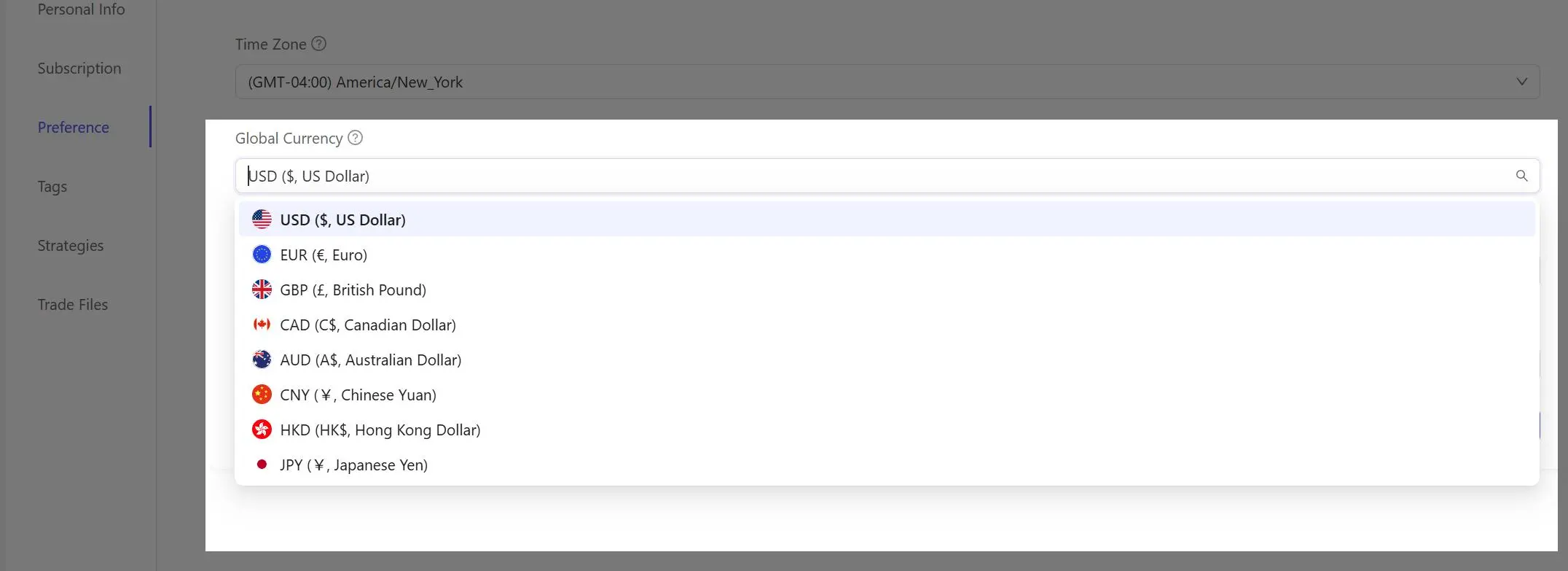
TradeBB currently supports multiple currencies including:
- USD
- EUR
- GBP
- CAD
- AUD
- CNY
- HKD
- JPY
and more.
How Currency Conversion Works
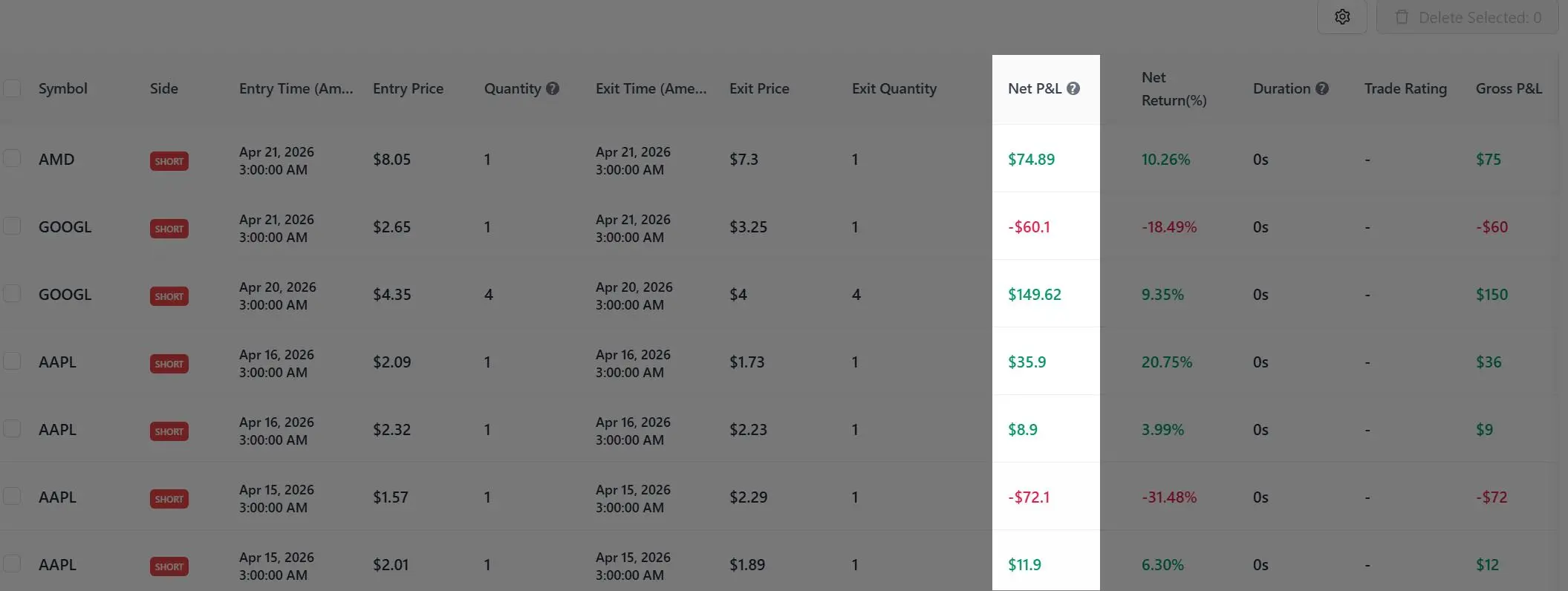
TradeBB internally converts broker settlement currencies into your selected Global Currency before displaying profit values.
This affects:
- Gross P&L
- Net P&L
- Multi-account reports
- Portfolio-level analytics
For example:
- Broker Account A → USD
- Broker Account B → EUR
- Global Currency → GBP
Both account profits will be converted into GBP before being displayed inside TradeBB.
Why Profit Values May Differ From Your Broker
Currency conversion rates may vary slightly across:
- Brokers
- Exchanges
- Financial data providers
- Conversion timing
Because of this:
- Profit values displayed inside TradeBB may not exactly match your broker statements
- Small differences caused by exchange rate fluctuations are normal and unavoidable
This is especially common when:
- Using multiple currencies
- Importing historical trades
- Comparing reports across platforms
- Trading international markets
Important Notes
- Changing your Global Currency does not modify your original broker trade data
- TradeBB only changes how values are displayed
- Original broker settlement currencies remain unchanged internally
- Currency conversion may slightly affect aggregated portfolio calculations
Recommended Setting
We generally recommend selecting the currency you most commonly use for:
- Portfolio tracking
- Performance analysis
- Trading reviews
- Tax reporting
Most users keep the default:
- USD (US Dollar)
unless their primary trading activity is based in another region.